
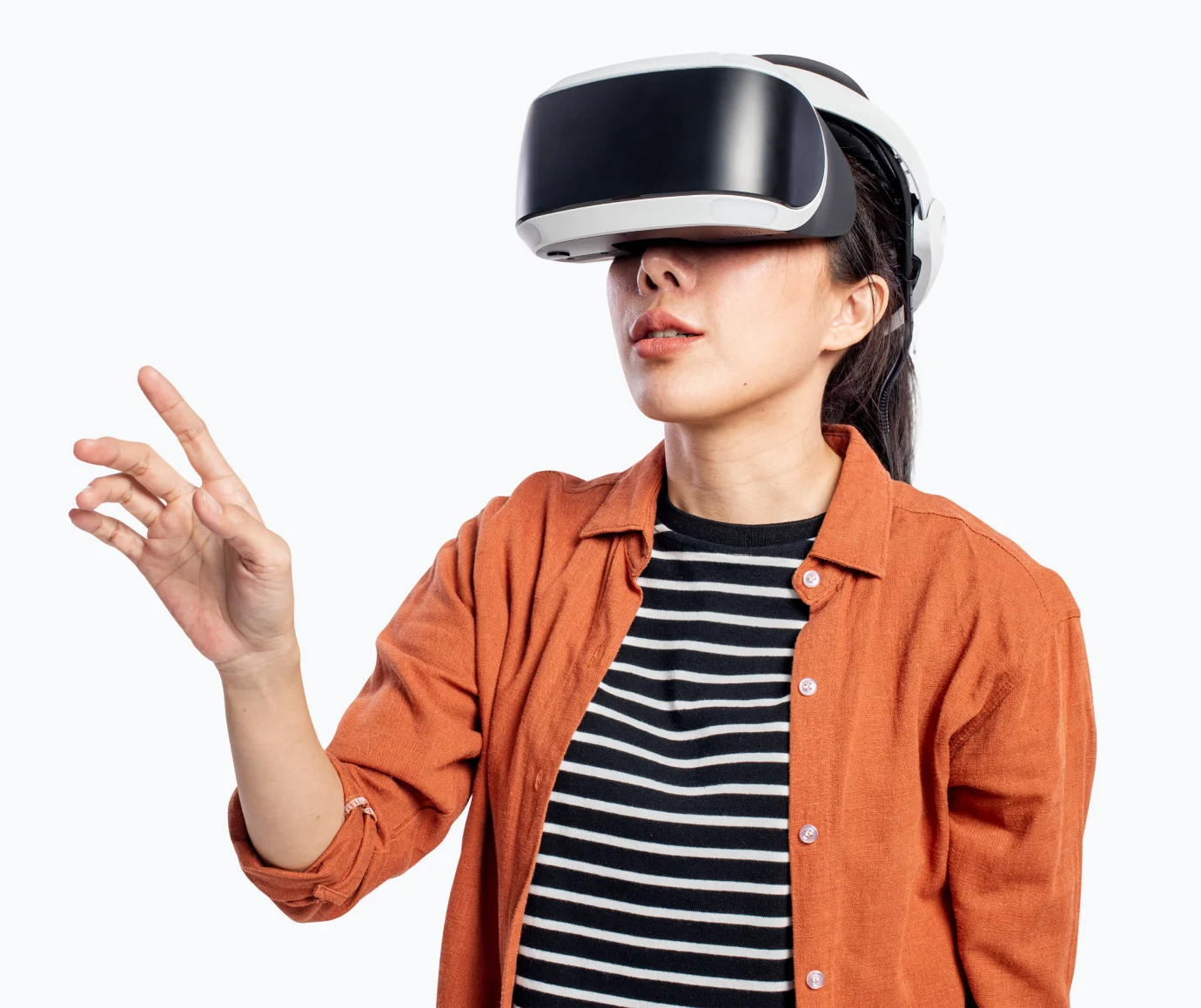

Getting Started with Virtual Reality
Virtual Reality (VR) is no longer reserved for gamers and tech enthusiasts. With user-friendly devices and accessible apps, VR is entering classrooms, offices, and living rooms across the world. If you’re new to VR, this comprehensive guide will help you navigate the exciting world of virtual experiences.
Choosing Your First VR Headset
The market offers various options to suit different needs and budgets:
- Mobile VR Viewers: Affordable options that work with smartphones
- Standalone Headsets: Like Meta Quest, offering wireless freedom
- PC-Connected Systems: Such as HTC Vive for premium experiences
- Console VR: PlayStation VR for gaming enthusiasts
Setting Up Your VR Space
Before diving into VR, proper setup is crucial for the best experience:
- Clear a dedicated space (minimum 6.5 x 6.5 feet)
- Ensure good lighting for tracking sensors
- Remove potential hazards like furniture
- Keep pets and children away from the play area
Essential VR Applications
Explore these popular categories to start your VR journey:
- Virtual Tourism: Visit world landmarks from home
- Fitness Apps: Engaging workouts in virtual environments
- Meditation & Wellness: Immersive relaxation experiences
- Creative Tools: 3D painting and design applications
- Educational Content: Interactive learning experiences
Health and Safety Tips
Maintain comfort and safety during VR sessions:
- Take 10-15 minute breaks every hour
- Start with shorter sessions (15-30 minutes)
- Adjust straps and IPD for optimal comfort
- Stop if you experience any discomfort
VR offers powerful ways to learn, play, and connect. For first-timers, the key is to explore gradually and discover what excites you most. The virtual world is wide open—and you’re just one headset away from endless possibilities.